


In-game screenshots
Select an image to view it at full size in a new tab.
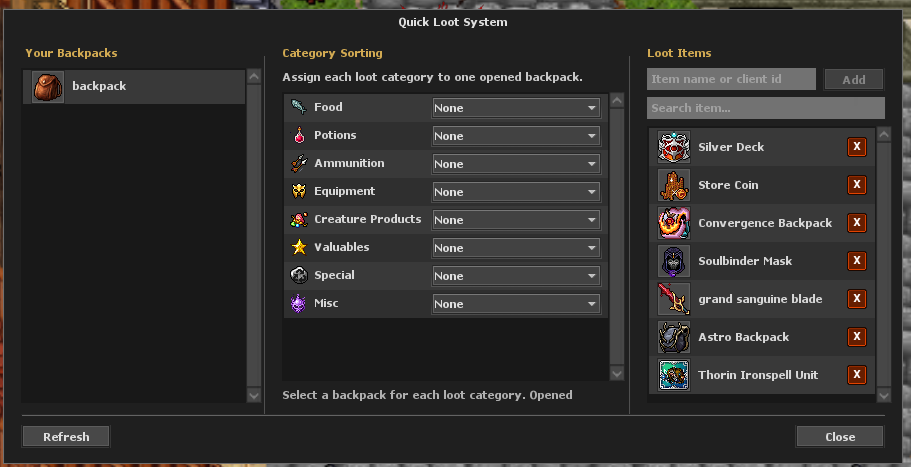
How to get started
- Open the client autoloot settings and configure the items or categories you want to collect.
- Assign a loot backpack and keep it in your carried inventory.
- Place additional backpacks inside your main backpack as overflow destinations.
- Check free space and capacity during longer hunts.
Rules & useful details
- Beretha can continue into other carried backpacks when the loot backpack is full.
- The main backpack is not the automatic overflow destination unless it was explicitly assigned.
- Autoloot cannot create extra capacity or storage space when every valid destination is full.
Guide based on Beretha's configured systems. Check the current in-game offer or confirmation for the cost and requirements of a specific action.